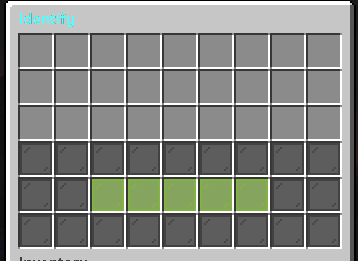
# 🔍 Identification
📌 *The Identification feature only allows you to identify items that are still in an unidentified state.*\
\&#xNAN;*When the player places an unidentified item into the GUI, the system will process it and reveal its true stats or properties.*
identification GUI
## 🛠️ How Identification Works
The Identification station only works when the item placed in the GUI is an unidentified MMOItem.\
Once the player clicks the **Confirm** button, the item will be identified and its stats will be revealed.
***
## 🔑 Permission
Each station has its own permission requirement in order to be used.\
Of course, you can customize or change the permission to suit your needs.
```yaml
settings:
permission: nwmmoupgrade.identify.default
```
***
## 💸 1. Cost
This feature allows you to use currencies such as **PlayerPoints**, **CoinsEngine**, or **Vault**.\
If you want to use a currency other than Vault, you must specify it using the `currency:` option — for example:
* `currency: pp` → PlayerPoints
* `currency: ce;` → CoinsEngine
And it also supports using **custom placeholders** from the system itself.
***
### 💵 Example Cost Configurations
#### **PlayerPoints Example**
```yaml
cost:
enabled: true
currency: pp
amount: 5000
```
#### **CoinsEngine Example (Custom Currency)**
```yaml
cost:
enabled: true # Enable/disable cost system
currency: ce;nwcoin
amount: "{global_custom_advance_cost_item}" # cost amount
```
#### **Vault (Default) Example**
```yaml
cost:
enabled: true # Enable/disable cost system
amount: 100 # cost amount
```
***